01
A bookshelf that stays organized
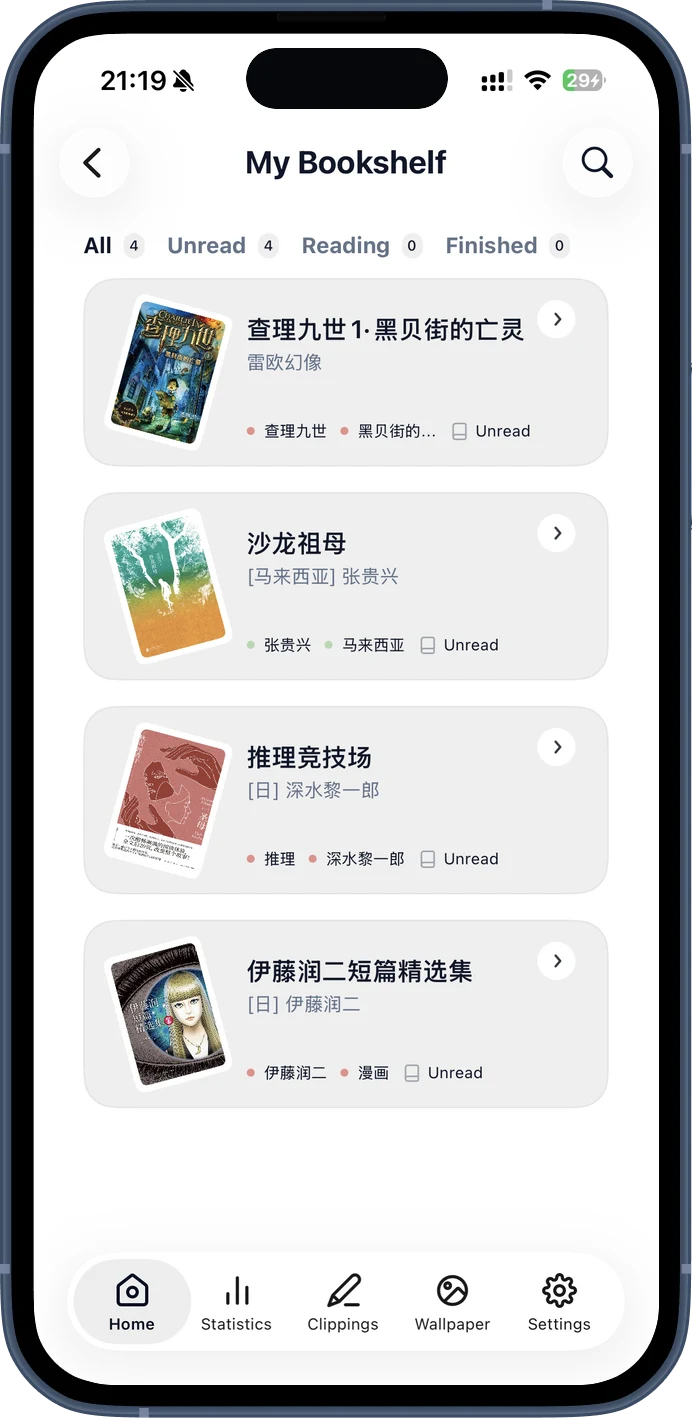
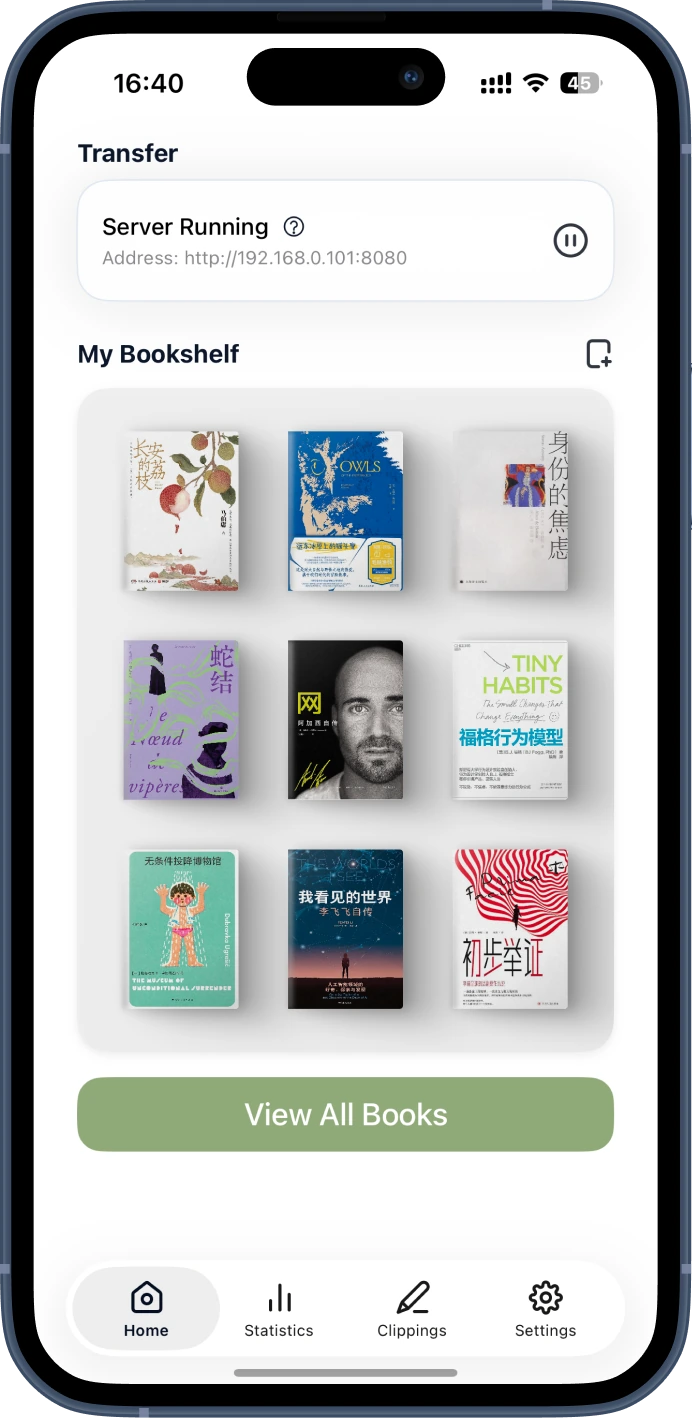
Search by title or author, filter Unread, Reading and Finished, then edit covers and book details when needed.
 PagePop
A calmer Kindle workflow
Send DRM-free ebooks from iPhone or iPad to Kindle over local Wi-Fi. No cable, email, or computer.
Wattpad to Kindle
Copy a story link into PagePop on iPhone or iPad, generate an AZW3 or MOBI ebook, and download it on your Kindle over local Wi-Fi. No computer or Kindle email required.
Use stories you wrote or have permission to convert. Internet is needed to retrieve available chapters; the final Kindle transfer stays on your local network.
See how to send Wattpad to Kindle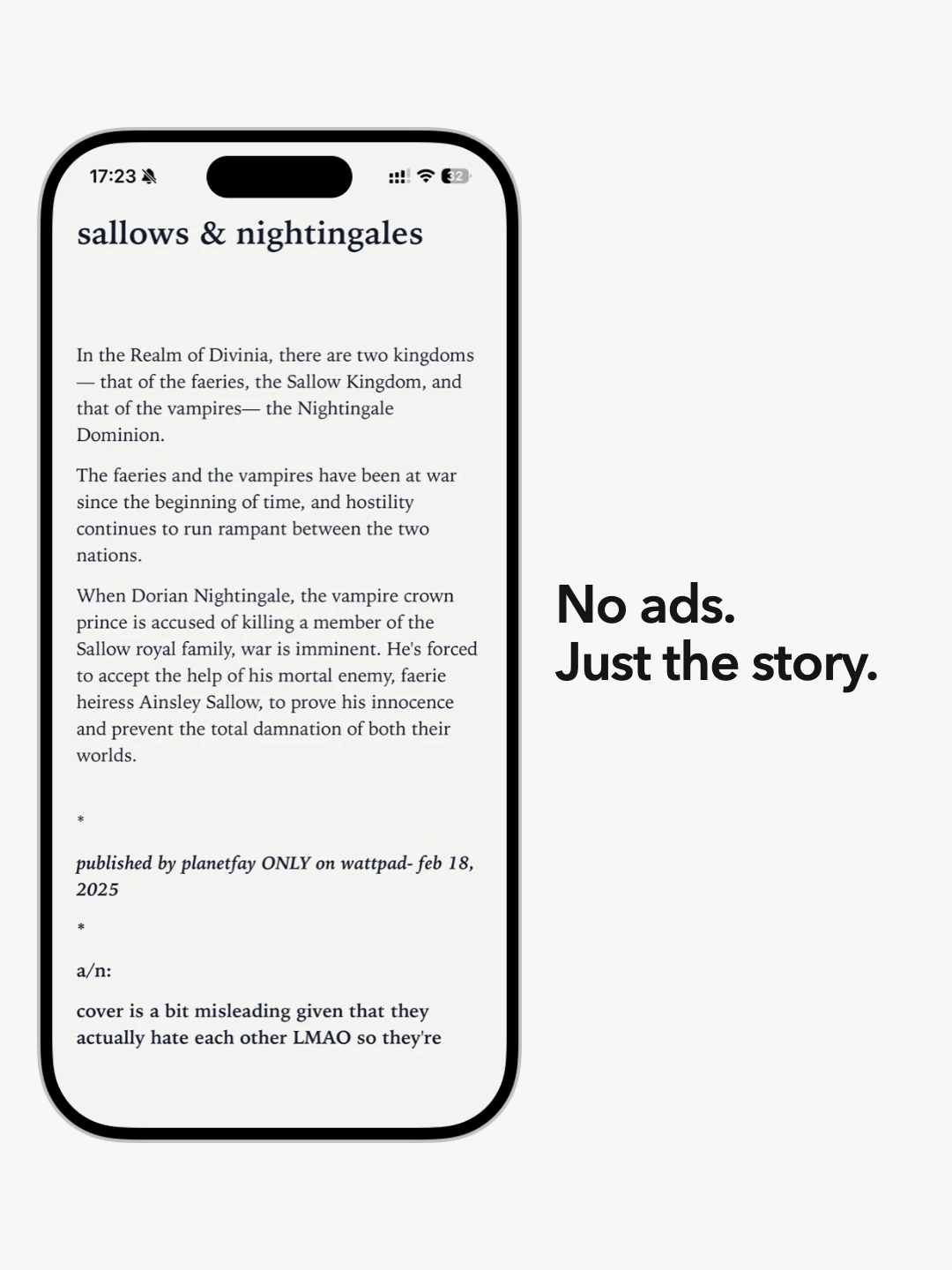
DRM-free files
Local Wi-Fi transfer
From phone to Kindle
PagePop turns your iPhone or iPad into a temporary, private book shelf that your Kindle can open in its browser.
Add one or more DRM-free ebook files from Files or another app. PagePop keeps them organized on your bookshelf.
Put both devices on the same Wi-Fi network—or connect Kindle to your iPhone hotspot—then start PagePop’s local service.
Enter the address shown by PagePop in the Kindle browser, choose a book, and tap Download. Keep PagePop in the foreground until it finishes.
Prepared on your device
PagePop can convert EPUB and TXT files locally to Kindle-friendly AZW3 or MOBI. Choose the format for your device, fix the cover, and keep the title and author tidy before transfer.
Your reading life
PagePop keeps the practical parts of Kindle reading together—your library, manual reading log, clippings, wallpapers and widgets.
Swipe, use the previous and next buttons, or focus this gallery and use the left and right arrow keys to browse five PagePop features.
Search by title or author, filter Unread, Reading and Finished, then edit covers and book details when needed.
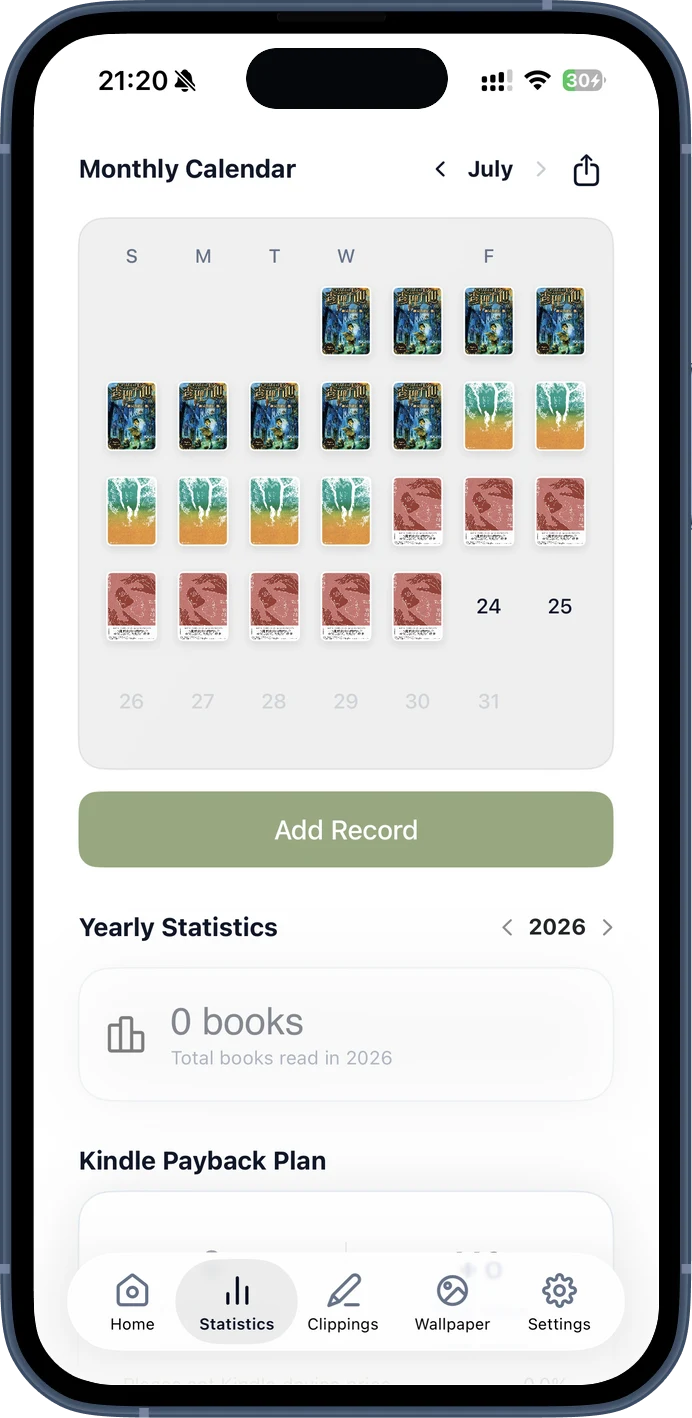
Log each reading day and watch the monthly calendar fill with the books you are reading.
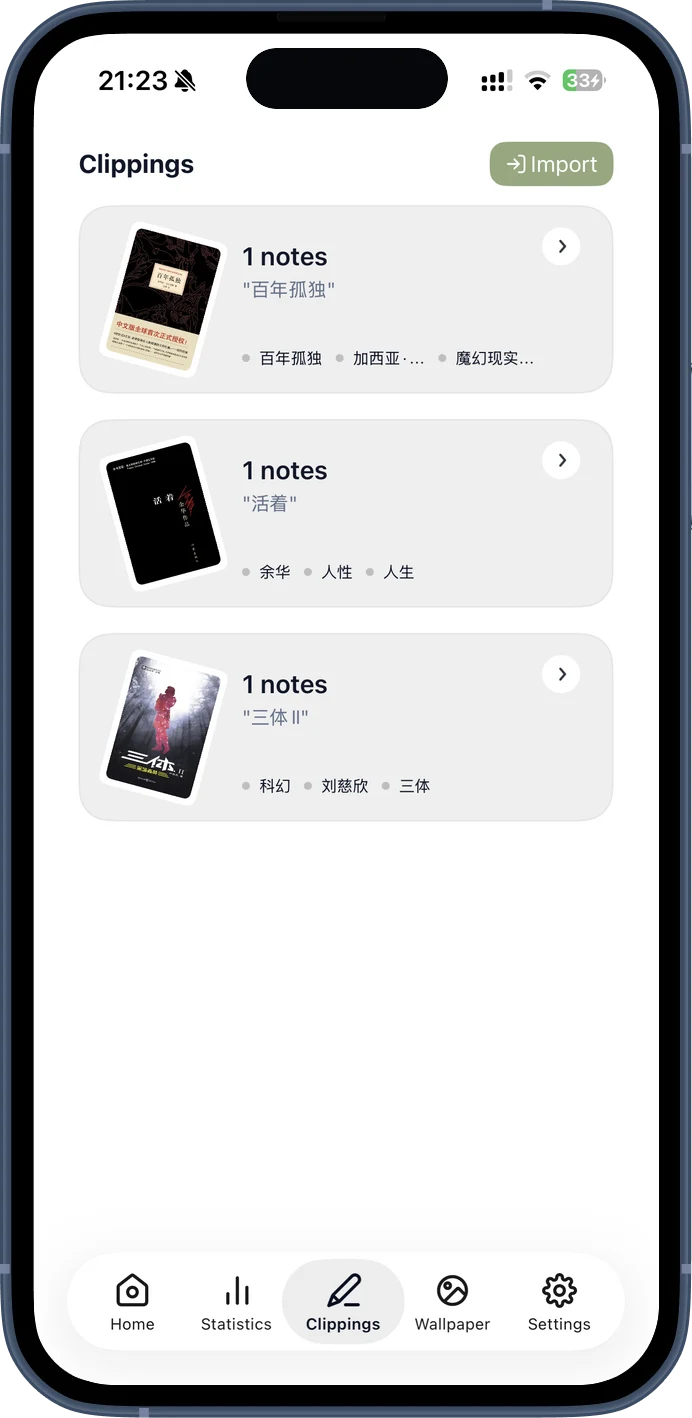
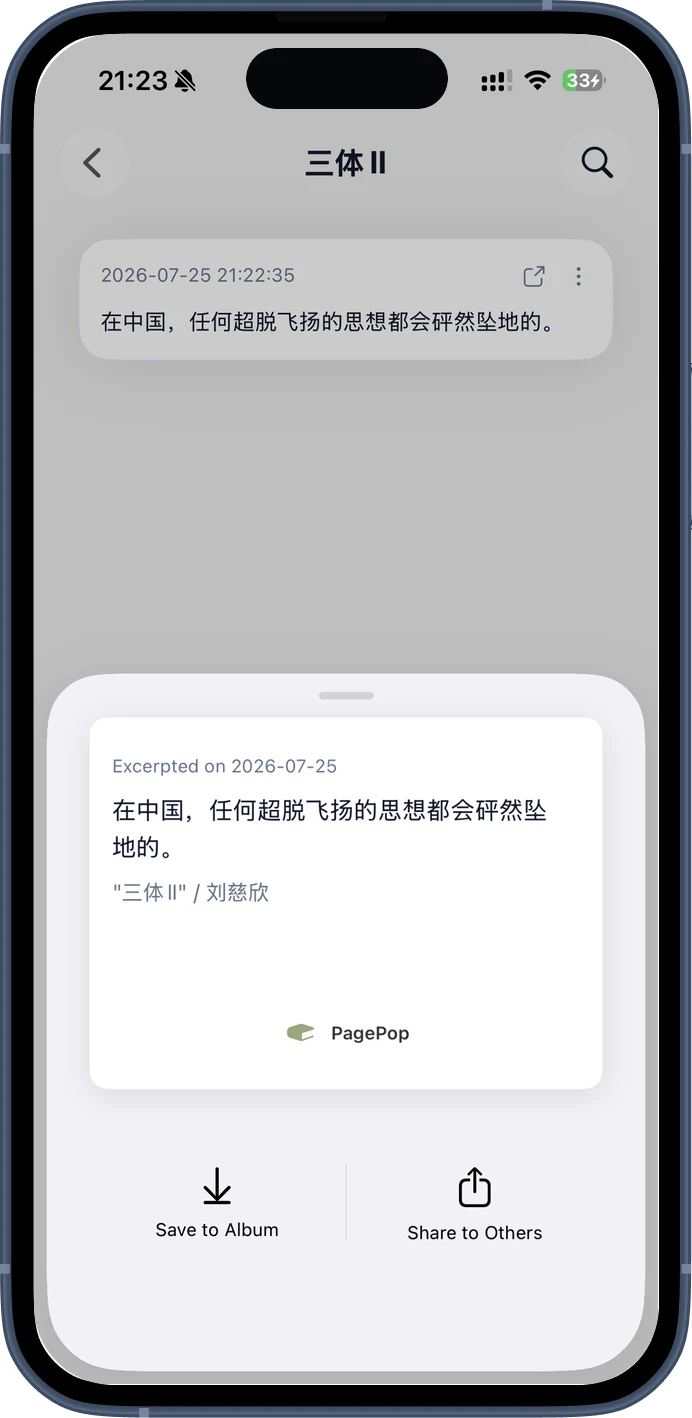
Import My Clippings.txt, search notes, copy what matters, and turn a favorite passage into a shareable image.
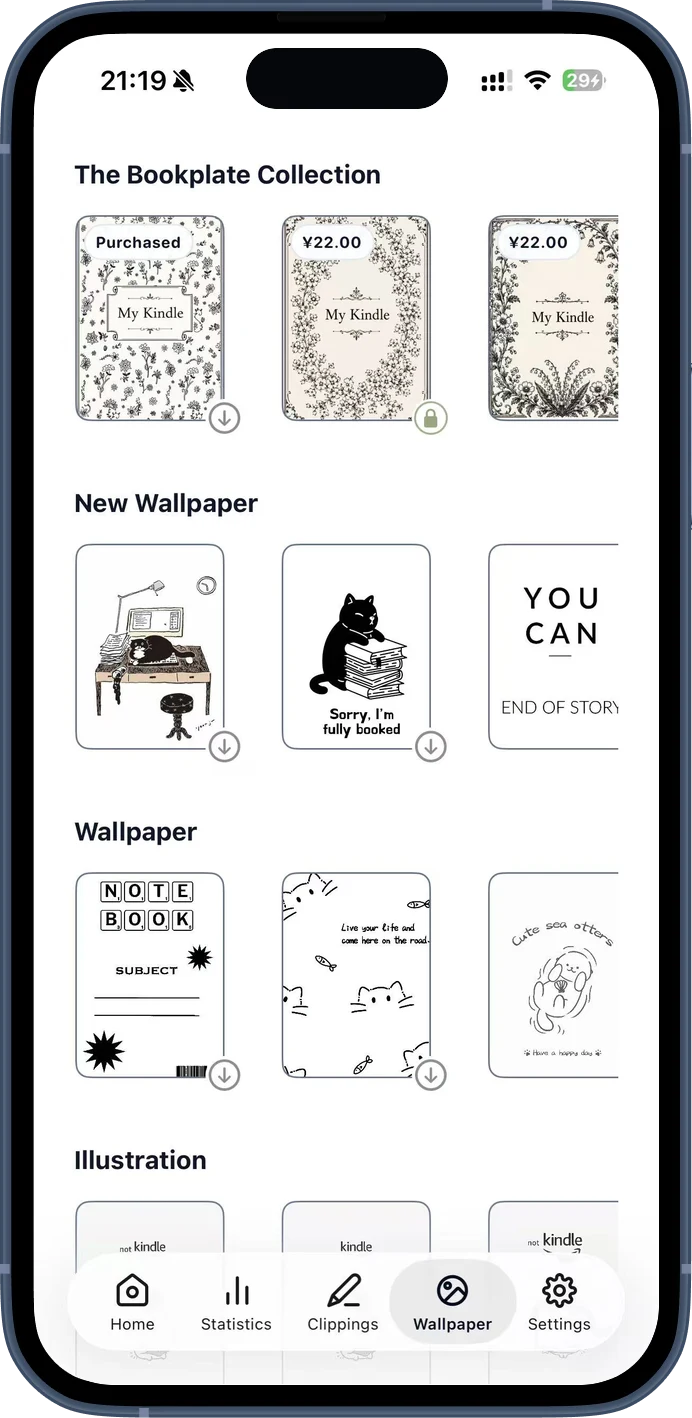
Import and organize My Clippings.txtBrowse PagePop wallpaper designs, preview them, and build a personal-document ebook that is ready to transfer.
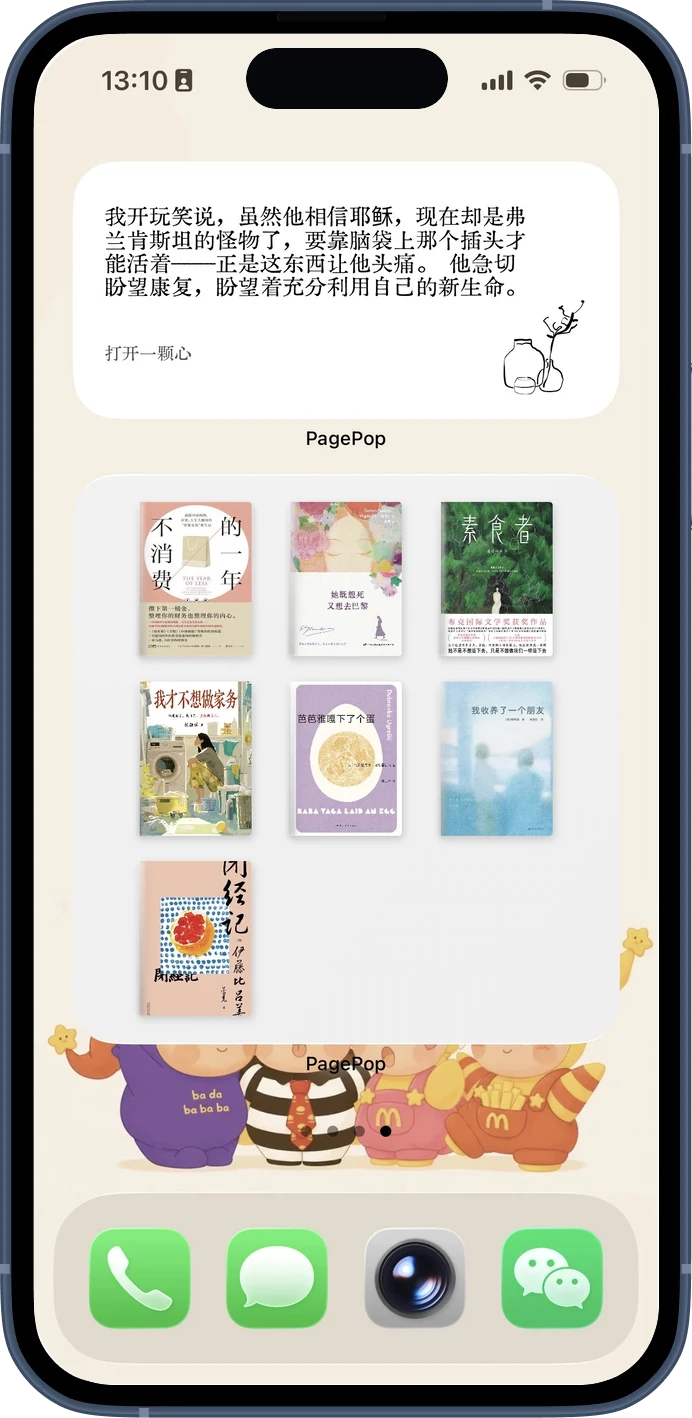
Add a custom Kindle lock screenKeep a daily excerpt or bookshelf widget in view. Widget customization requires iOS 17 or later.
Designed for readers

Bring your own DRM-free books together and prepare them for Kindle.

Move a book without reaching for a cable, laptop, or email attachment.

Use manual logs and yearly views to see the reading you have completed.
Privacy with specifics
Book conversion runs on your device. Kindle transfer runs between your devices over the local network. PagePop also uses external services for subscriptions and, when relevant, book metadata, Wattpad import, wallpaper content, and optional iCloud backup.
Read the Privacy PolicyBefore you download
PagePop can import DRM-free EPUB, MOBI, AZW, AZW3 and TXT files. EPUB and TXT can be converted locally to AZW3 or MOBI. PDF and font-file transfer are not supported.
Yes. Both devices need to be on the same local network. You can also connect Kindle to your iPhone hotspot. Keep PagePop in the foreground while a transfer is running.
No. PagePop uses the Kindle browser and a temporary local address, so the transfer does not use Amazon’s email or cloud-based Send to Kindle service.
No. Reading status, ratings, finish dates and calendar entries are recorded in PagePop by you. PagePop does not read progress from a Kindle device.
No. PagePop is for DRM-free ebooks that you own or are authorized to use. It does not remove or bypass DRM.
The main app supports iPhone and iPad on iOS or iPadOS 16.2 and later. PagePop’s bookshelf and daily excerpt widgets require iOS 17 or later.
Your next book is close
PagePop is free to download on iPhone and iPad, with optional in-app purchases.